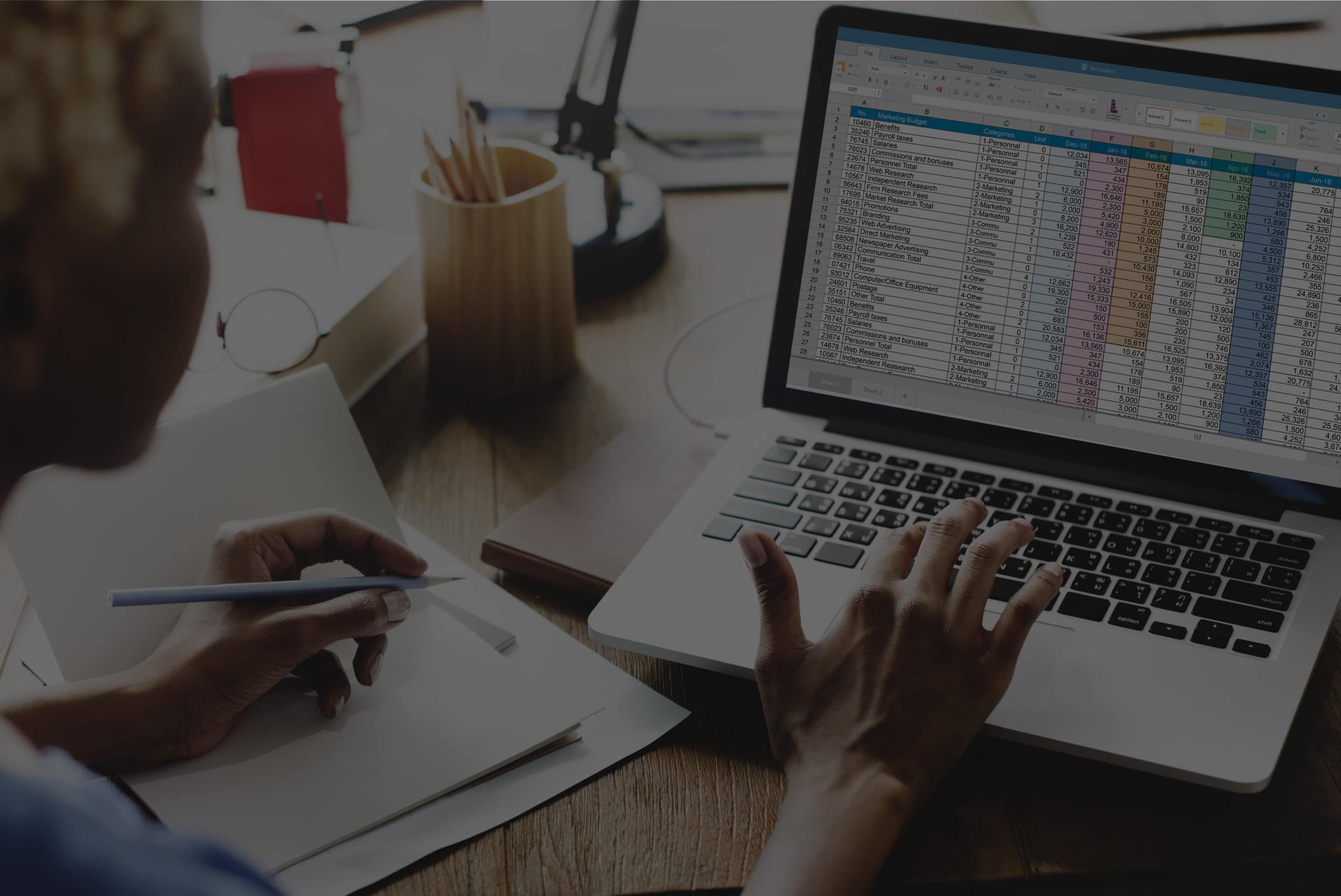
Receipts in your inbox. Receipts in your car. Receipts you swear you saved.
Expense tracking software ends the paper chase. It captures receipts, categorizes spending and keeps your books ready for tax time. The hard part is choosing, because the options range from free mileage apps to full spend management platforms.
Here’s how the best options compare.
Why Use Expense Tracking Software?
- Capture receipts automatically, so nothing gets lost
- Categorize expenses consistently, so you don’t miss deductions
- See where your money goes in real time
- Speed up reimbursements for your team
- Give your bookkeeper clean, organized data
Types of Expense Tracking Software
Spend Management Platforms
These combine corporate cards, expense tracking, receipt capture and approvals in one system. They work best for growing teams with several people spending money.
Expense Report Tools
These focus on receipt capture, expense reports and reimbursements. They’re a good fit for teams that use personal or existing business cards.
Accounting Software With Expense Tracking
These track expenses as part of your full set of books, alongside invoicing, reporting and reconciliation.
Mileage and Freelancer Apps
These are built for solo owners and freelancers who need to track mileage and deductions.
Expense Tracking Software Compared
| Tool | Type | Pricing model | Best for |
|---|---|---|---|
| Ramp | Spend management | Free plan; paid plan for advanced features | Growing teams that want corporate cards and automated expense tracking |
| BILL Spend & Expense | Spend management | Free core platform built around BILL cards; paid add-ons | Teams that want cards, budgets and real-time spend controls |
| Zoho Expense | Expense reports | Free plan for small teams; paid per-user plans | Small teams that need expense reports and approvals |
| Expensify | Expense reports | Free and paid plans | Receipt capture and reimbursements |
| QuickBooks Online | Accounting software | Monthly subscription tiers | Businesses that want expenses tracked in their full books |
| Xero | Accounting software | Monthly subscription tiers | Businesses that want expenses tracked in their full books |
| FreshBooks | Accounting software | Monthly subscription tiers | Service businesses that invoice clients |
| Wave | Accounting software | Free starter plan; paid features available | Very small businesses on a tight budget |
| Everlance | Mileage and freelancer app | Free and paid plans | Solo owners who track mileage and deductions |
Pricing and plans change often. Check each vendor’s site for current details.
The Best Expense Tracking Software Options
Ramp
Ramp combines corporate cards, expense management, receipt matching and bill pay in one platform. It automates much of the categorization and receipt collection for you, and its free plan covers core features.
BILL Spend & Expense
BILL Spend & Expense pairs corporate cards with budgets, real-time spend tracking and approvals. Its core platform is free, with paid add-ons for features like employee reimbursements.
Zoho Expense
Zoho Expense handles receipt scanning, expense reports, approvals and mileage. It offers a free plan for small teams and paid per-user plans as you grow.
Expensify
Expensify is built around fast receipt capture with SmartScan, expense reports and reimbursements, plus its own company card.
QuickBooks Online
QuickBooks Online tracks expenses as part of your full accounting system, with bank connections, receipt capture and reporting. It’s one of the most common platforms for small business bookkeeping.
Xero
Xero is cloud accounting software with expense tracking, bank reconciliation and reporting, popular with small businesses and their bookkeepers.
FreshBooks
FreshBooks combines invoicing, expense tracking, time tracking and mileage, which makes it a strong fit for service businesses.
Wave
Wave offers free accounting basics, including income and expense tracking, with paid options for payments, payroll and extra features.
Everlance
Everlance automatically tracks mileage and expenses, and helps solo owners and freelancers organize deductions.
How to Choose the Right Expense Tracking Software
| If you… | Consider |
|---|---|
| Have a team spending on company cards | Ramp or BILL Spend & Expense |
| Reimburse employees for out-of-pocket expenses | Zoho Expense or Expensify |
| Want expenses tracked inside your accounting system | QuickBooks Online or Xero |
| Invoice clients and track billable expenses | FreshBooks |
| Are a solo owner who drives for work | Everlance |
| Need free basics to start | Wave or Zoho Expense’s free plan |
Before you choose, check one more thing: does it integrate with your accounting software? Your expense tool should feed your books automatically, not create another place to reconcile.
Expense Tracking Software FAQ
What is the best expense tracking software for a small business?
It depends on your team. Spend management platforms like Ramp and BILL Spend & Expense suit teams with company cards. Zoho Expense and Expensify suit expense reports and reimbursements. QuickBooks Online and Xero suit businesses that want expenses tracked in their full books.
Is there free expense tracking software?
Yes. Ramp, BILL Spend & Expense, Zoho Expense, Wave and Everlance all offer free plans or free core features. Check each vendor for current limits.
Do I still need a bookkeeper if I use expense tracking software?
Software captures and categorizes expenses, but it doesn’t reconcile your accounts, catch miscategorized transactions or prepare your financial reports. Most growing businesses use both.
What happened to Mint?
Intuit shut down Mint in 2024 and moved its users to Credit Karma. Mint was a personal budgeting app, so most businesses are better served by the tools above.
Software Tracks Expenses. Bookkeepers Make Them Count.
Expense software gets the data in. A bookkeeper makes sure it’s right: reconciled, categorized and turned into reports you can use.
BELAY’s U.S.-based bookkeepers work in QuickBooks and Xero and keep your books accurate every month. Learn the basics in Bookkeeping 101, see how much a bookkeeper costs, or learn how to handle prepaid expenses.